
Features · Asuka Product Designer
Bring their ideas to life.
A photo, a few words, a favorite pattern. Give customers the joy of creating a product that feels like theirs.
A free core to get started
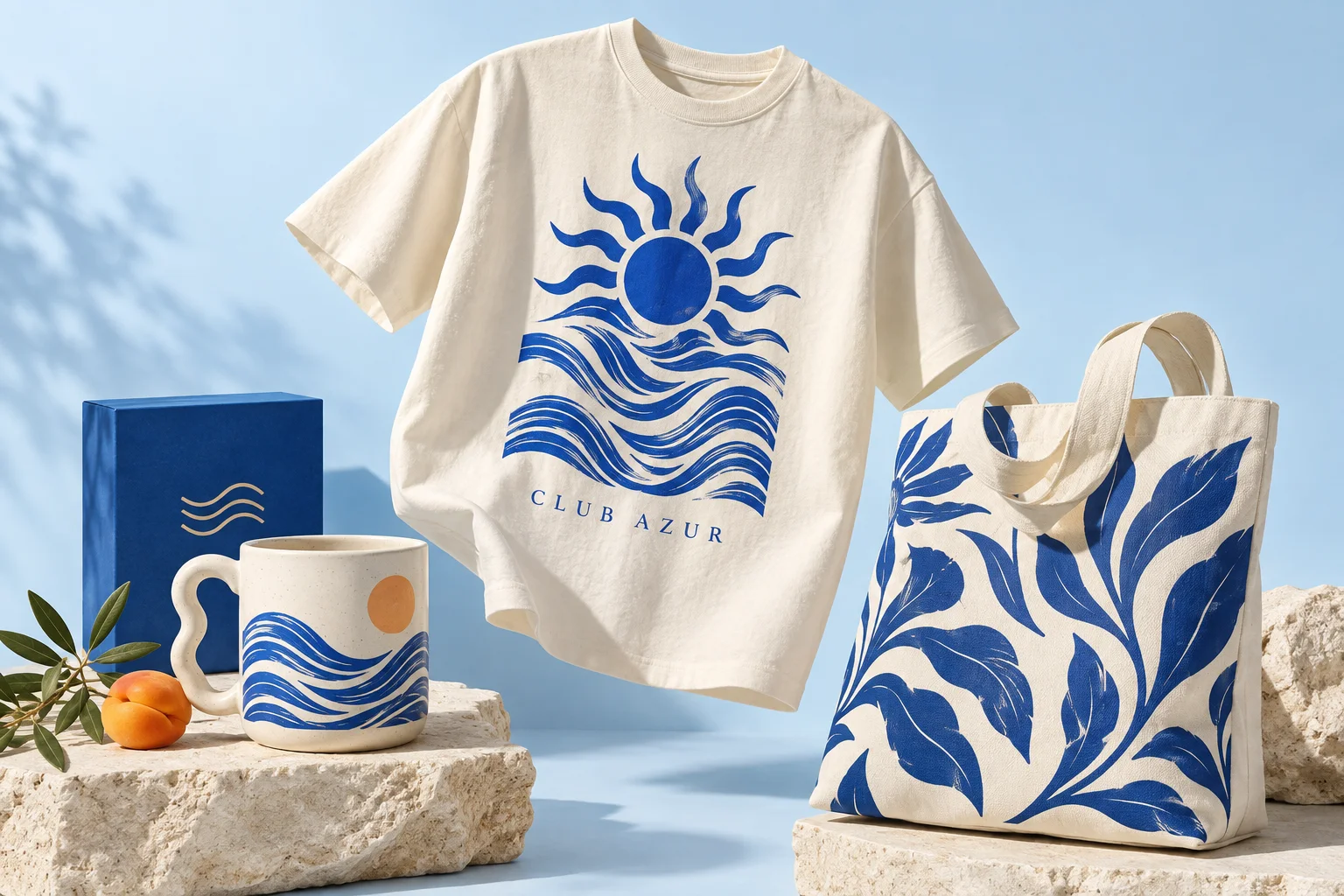
A small touch. A different product.
It starts with an idea.
Change the words, choose a color, try a pattern. A few small touches make the product personal.
- Text & fonts
- Images & patterns
- Colors & layers

A creative taster. Explore the complete editor in the demos.
A different perspective
From flat to full dimension.
From both sides of a T-shirt to the surfaces of a 3D object: let customers discover your products from every angle.
Explore the 3D demo
Freedom, with a little guidance
Their creativity.
Your framework.
Drawing areas, guided fields and your own libraries: you set the stage, your customers bring the ideas.
Explore areas and markersA name. A style. A signature.
From inspiration to an order
The design journey
continues in your workshop.
The design, preview and customer choices travel with the WooCommerce order. Your team gets the details to prepare the next step.
- 01The customer personalizes
- 02The design goes into the cart
- 03You find the ordered design
Your creative toolkit
Great ideas.
And the tools to go with them.
Explore all 20 features, demos and guides. Each feature shows which plan it belongs to.
01 · Create6 features
Apparel, mugs, gifts or three-dimensional objects: choose a 2D or 3D presentation and the right tools for your catalog.
Text and typography
Free core
A name, a date or a slogan: offer fonts and formatting tools, including curved text, to create a personal design.
Discover the 2D editorPersonal photos and images
Free core
Let customers upload, position and resize their own artwork on the product. You choose which editing tools are available.
Try a productDesign and font libraries
Free core
Prepare the resources customers can use: patterns, illustrations and fonts. Reuse your library across multiple products.
Organize your librariesColors, shapes and layers
Free core
Combine design elements, adjust colors and arrange their stacking order. History lets customers undo changes and continue editing.
Open the demoMultiple views in 2D
Free core
Prepare the front and back of a garment or several views of your product. Customers switch between them within the same experience.
Explore 2D personalizationA product to explore in 3D
Free core · model required
Start with a compatible GLB/glTF model and offer a three-dimensional view with rotation, surfaces and visual options that fit your product.
Discover the 3D configurator02 · Guide5 features
Make the experience straightforward for customers, with constraints and resources suited to your product.
Drawing areas
Starter and higher plans
Define the customizable regions of a product and prepare a space for the intended artwork. The mug demo shows a circular area in action.
Try drawing areasMarkers and fixed fields
Pro / Agency
Offer a guided path for a name, photo or logo in a predefined position. Useful for business cards and designs customers complete.
Try guided fieldsAn interface that fits
Free core · modules vary by plan
Choose a template, a theme and the modules shown in the editor. Configure the tools for your customer journey in WordPress.
Configure templates and themesProduct options and parameters
Pro / Agency
Add structured choices to the personalization journey. Product parameters and advanced modules support more detailed configurations.
Compare advanced featuresCreative tools and AI
Pro / Agency · service setup required
Offer advanced creative features such as image generation or background removal. Required services and credits depend on your configuration.
Explore media and AI tools03 · Sell4 features
Keep your WooCommerce store and connect personalization to the shopping steps your customers already know.
WooCommerce integration
Free core
Assign a configuration to a catalog product. Customers open the editor from the product page, then add their creation to the cart.
Explore the integrationProducts and variations
Free core
Connect your configuration to simple products or their variations. Prepare the visual changes associated with the choices offered in your store.
Set up variationsEditing from the cart
Free core
Let customers return to their personalization before ordering. Keep the saved design and its preview with the corresponding cart item.
Understand the cart workflowAdvanced pricing
Pro / Agency
Build pricing rules for your options and personalization, then check the result throughout the WooCommerce journey.
Configure pricing rules04 · Produce5 features
Move from the customer preview to reviewing the job, with saved information and downloads suited to your configuration.
The design with the order
WooCommerce integration
Find the design reference, preview and customer choices in the WooCommerce order. Your team knows which personalization to review.
Follow an orderA workspace for production
Depends on enabled modules
Consult the production pack and the actions available in your installation. Prepare adjustments in a working copy while retaining the ordered state.
Explore the production workflowDownloads for each design mode
Formats vary by mode and permissions
In 2D, use the formats available in your configuration. In 3D, downloads provide a PNG preview and JSON scene: check your workshop requirements before manufacturing.
Understand production filesAdvanced server exports
Eligible paid plans
Eligible plans provide server exports and additional output options. Formats, resolution and quotas depend on your subscription permissions.
Compare exports by planReusable product configurations
WordPress administration
Export a product configuration as an .asuka.zip package to transfer or reimport it. This configuration package is separate from the files associated with an order.
Discover import and exportAt your own pace
Start freely.
Add what you need.
The free core
2D and 3D editing, text, images and WooCommerce integration: the WordPress.org plugin works without a paid license key.
Install and get startedStarter
Add drawing areas to define the customizable regions of your products.
View StarterPro and Agency
Access markers, advanced pricing rules and additional modules, with the permissions and quotas listed for each plan.
Compare Pro and AgencyYour next product starts here
Ready to give it a try?
Try the customer experience, then explore the merchant’s tools in a free private WordPress workspace for 24 hours.