
Asuka Product Designer
2D Product Customizer for WooCommerce
Let shoppers add text, photos and artwork to your products. Try the Asuka Product Designer 2D editor and connect each creation to its WooCommerce order.
Text, photos and artwork
Their idea. On your product.
A name on a T-shirt, a logo on a mug, a photo on a gift. Asuka Product Designer lets customers compose their design and preview it before adding the product to their WooCommerce cart.
Explore the live demos without an account.
A practical workflow
From a blank product to a personal creation.
-
Prepare your product
Add product views, choose an editor layout and decide which tools customers can use. Define printable regions with the optional Drawing Areas module.
Follow the product setup -
Connect it to your store
Assign the configuration to a WooCommerce product. Customers add their text or images and preview the result in your storefront.
Connect a WooCommerce product -
Keep the creation with the order
The saved customization and preview accompany the cart item and the order, so your team can retrieve the customer’s choices.
See the production workflow
Try it on a real product
Two products. Two ways to make them personal.
These demos show different configurations. Some use optional paid modules.

A T-shirt, front and back
Add a name, a logo or your own artwork, and switch between the product views.
Try this demo
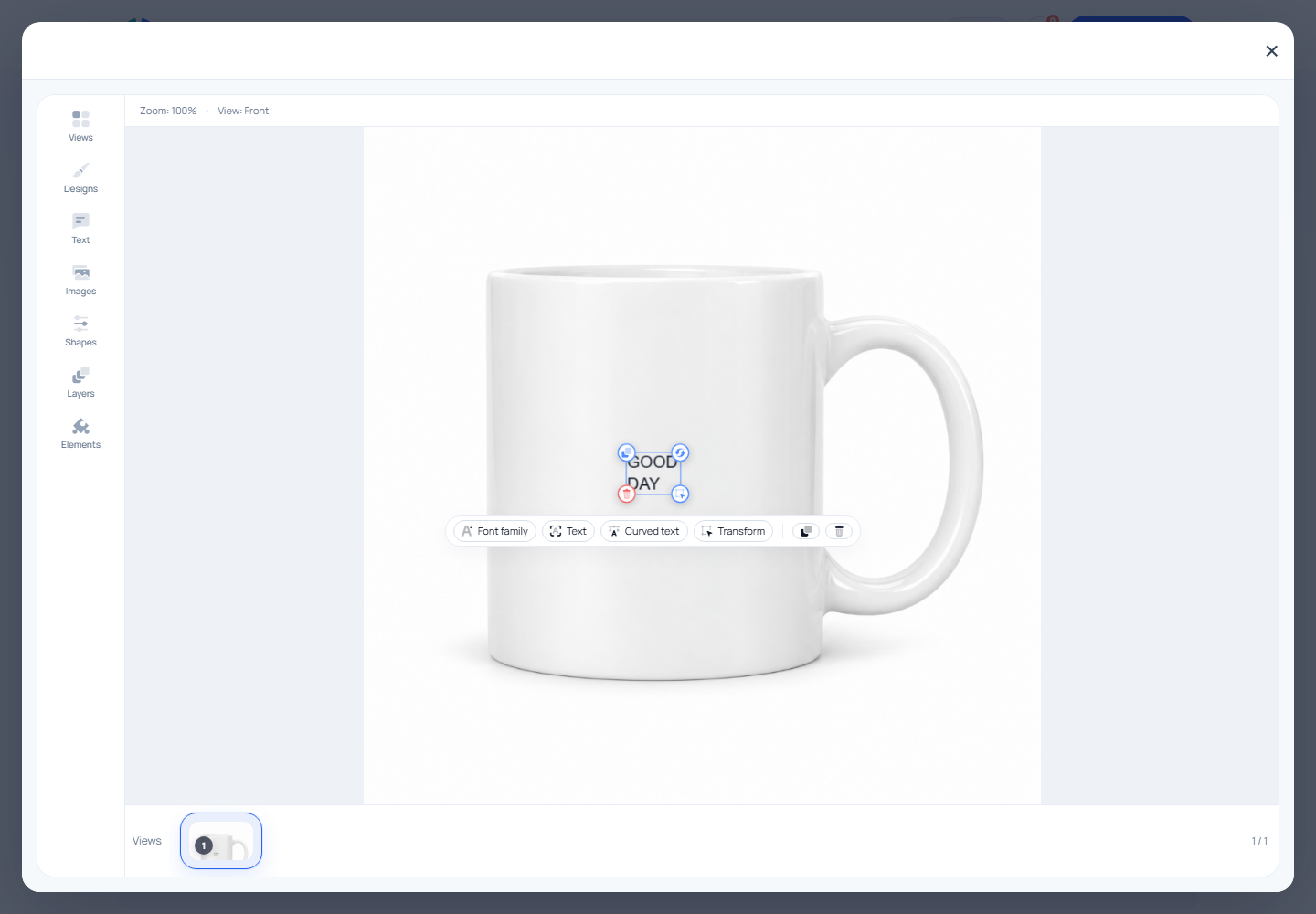
A mug with a personal message
Compose text and artwork inside the round badge. This example uses Drawing Areas.
Try this demoBefore you get started
The details that matter to your store.
The WordPress.org plugin includes core 2D and 3D editing without a paid license. Drawing Areas starts with Starter; advanced modules and eligible server exports depend on your plan.
Compare features and plansCan customers upload their own images?
Yes. Enable image uploads in the editor and choose the tools and assets available for the product. Test the resulting experience on your actual storefront.
Can I limit where customers place their design?
The optional Drawing Areas module lets you define printable regions. It is included from Starter; the free core already provides the main text, image and 2D/3D editing tools.
Does every demo use the free edition?
No. The demo catalog includes configurations using paid modules, such as drawing areas and fixed markers. The plans page explains which features belong to each edition.
Your product, your setup
Try the merchant side, too.
Request a free, private WordPress sandbox for 24 hours. Explore product setup, the editor and the WooCommerce workflow.